
By Ingrid Hazel Thornwick. Publisher: Heroic Hurdle Page State Notebook.
You return from another tab and the reels are still there. Or you reload the page and see the original total again. Those actions are easy to group together as coming back, yet they do different things. This October 13, 2026 note follows the local home demos, where the visible state is more useful than an assumption about saved progress.
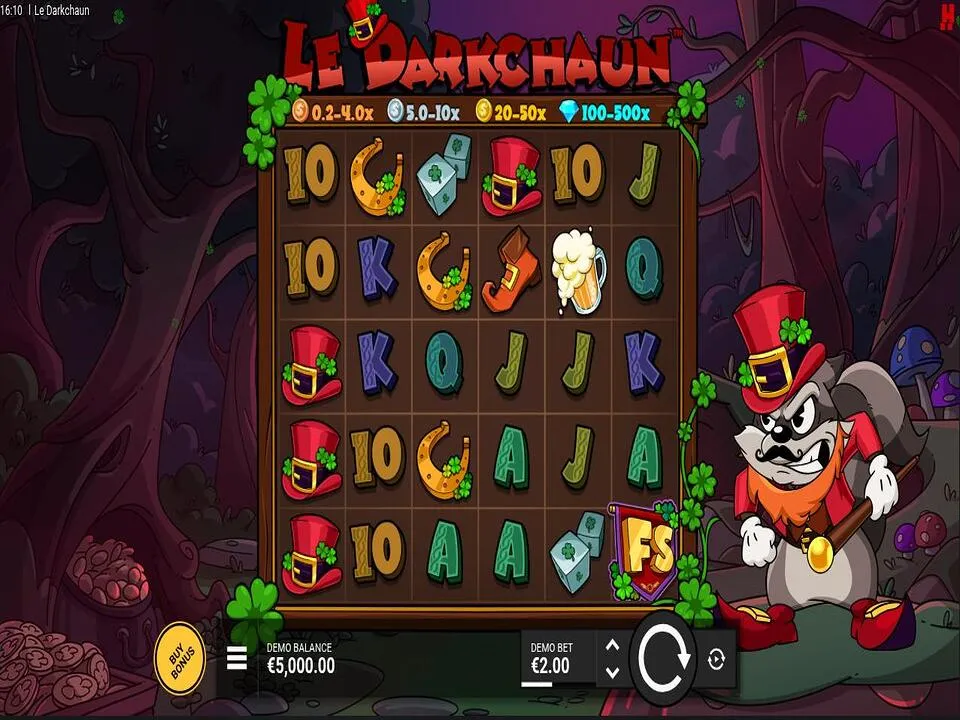
The first check
The local script keeps its current counter in the open page. It does not write that demo total into a saved player account. If the same document remains open, changing tabs usually leaves its state available. A full reload runs the page again with its starting values. Browser behaviour can vary, so let the actual display guide your next action.
Orient yourself before tapping
- Read the selected demo title rather than only the artwork.
- Find the counter and the message beneath the reels.
- Decide whether to continue, reset deliberately or close the page.
A browser session is not the same thing as an account history. The home previews do not offer a list of earlier spins to restore. If you remember a different total, that memory does not mean the page owes a recovery. A new starting display is simply a new local state, with fictional units that cannot be withdrawn or transferred.
Different actions
Selecting another card changes the theme and heading while keeping the current counter. It also returns the message to its ready wording. Reset credits changes the counter and reel labels, while leaving the chosen title in place. Reading all three elements together avoids confusing a new message with a complete restart of the demonstration.
| Action | Local demo effect | Check |
|---|---|---|
| Choose another theme | Title changes; total stays. | Selected title and ready message. |
| Reset credits | 10000 and initial reel labels return. | Reset message beneath the reels. |
| Reload the page | The local script starts again. | Initial theme and starting total. |
Closing and reopening a tab can involve browser restoration, so do not treat it as a guaranteed save or guaranteed reset. The same caution applies when a phone puts a page to sleep. Wait for the page to settle, read the labels and avoid repeated taps while unsure. A short pause is easier than trying to reconstruct an action from memory.
Phone reading
On a small screen, the selected heading may sit above the controls while the result message falls below them. Scroll far enough to read both before continuing. Browser zoom can help with a label, but it can also move a button off screen. Adjust the view while idle, then locate Spin demo and Reset credits again before making a choice.
- Keep the counter and result text in view when possible.
- Use the button label, not its remembered position.
- Wait for the brief reel movement before another action.
- Close the page if the controls are not responding clearly.
If you want to understand why the total changed, use the explanation of spin cost and return. It separates the amount removed from what is added afterward. That small distinction is more reliable than assuming every matching display raises the counter, particularly when you return halfway through reading a message.
Before passing a phone to a friend, explain whether you changed the theme or reset the page. They should not have to infer that from a familiar reel image. The article on sharing demo observations offers ways to make that handover comfortable. A clear starting point helps people ask questions without feeling rushed.
Author’s opinion
I treat a browser session as something to check, not something to trust blindly. The title, counter and message tell me enough to choose the next step. If they are unclear, I would rather stop than press through the uncertainty. Returning to a demo should be an easy decision about entertainment, not an obligation to rebuild a fictional total from an earlier visit.